

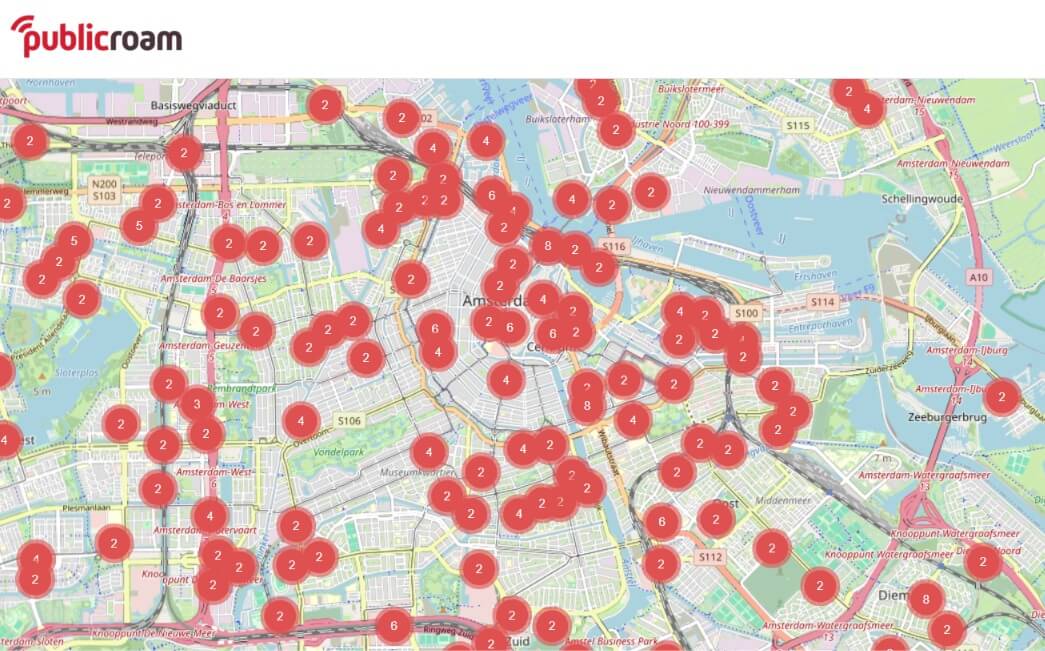
Free WiFi access in Amsterdam and the Netherlands through Publicroam
You know the feeling. You landed a few days ago, and between navigating with Google Maps, sharing canal photos with everyone back home, and binge-watching your favourite series in the hotel each night, your travel data has quietly evaporated. Now you’re standing on a bridge in the Jordaan, you need to look up opening times, order a ticket, or call an Uber — and your phone is crawling. Roaming charges outside the EU can be brutal, and hunting for a random open WiFi network feels sketchy at best.
Good news: Amsterdam has a genuinely clever solution that most visitors have never heard of. It’s called Publicroam, and once you’re set up, you’ll get fast, secure internet in hundreds of places across the city — for free.

What is Publicroam?
Publicroam is a Dutch WiFi service that turns a patchwork of separate public networks into one seamless, secure connection. Instead of clicking through a different login page (and ticking a different terms-and-conditions box) at every café, museum, or library, you register just once. After that, your phone recognises and connects automatically wherever Publicroam is available — no passwords, no captive portals, no fuss.
Where can you use Publicroam in Amsterdam?
This is where it gets useful for anyone spending time in the city. Publicroam is available at a growing list of Amsterdam spots, including:
- The OBA (Amsterdam Public Library) — all 26 branches, including the huge Centrale OBA near Central Station. A brilliant, warm place to sit down, get online, and plan your next move.
- The Stedelijk Museum — modern art and a solid connection under one roof.
- City of Amsterdam (Gemeente Amsterdam) offices — handy if you’re sorting out any official business.
- NS trains and stations — stay connected while you hop between Amsterdam and day trips like Haarlem, Zaanse Schans, or Utrecht.
For a full list of 1900+ free Wi-Fi access points across the Netherlands, follow this link. Beyond Amsterdam, you’ll also find it at municipalities, healthcare centres, theatres, sports facilities, and coworking spaces all over the country — so the account you set up here keeps working long after you’ve left the city.
How to connect
Getting started takes about a minute:
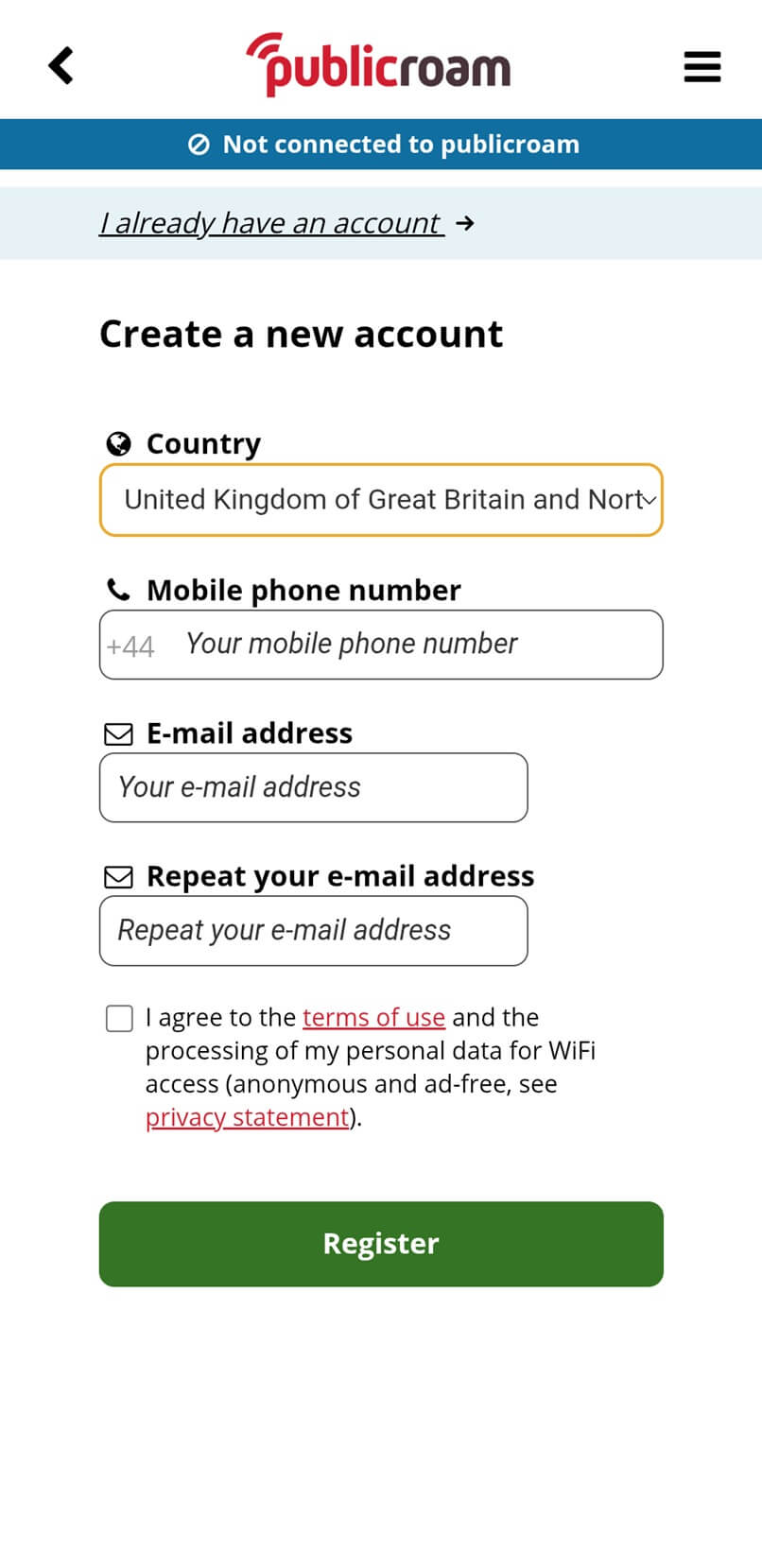
- Via the app (easiest): Download the free Publicroam app from the App Store or Google Play. Your phone connects automatically from then on, and you can add your laptop or tablet using the login details in the app (Menu → My account → Credentials).
- Via SMS: No app? Text publicroam to +31 970 10 260 261 and you’ll receive login credentials by text message, which you can use to connect your devices manually.
You only ever do this once. After that, walking into any Publicroam location gets you online automatically.
Is Publicroam safe to use?
Here’s the part worth paying attention to. Ordinary open WiFi — the kind with no password that anyone can join — carries real risks. Because the traffic often isn’t encrypted, it’s technically possible for someone on the same network to snoop on what you’re doing, and criminals sometimes set up fake “evil twin” hotspots to trick people into connecting.
Publicroam is built specifically to solve this. Your connection is encrypted, your login is secured, and the service actively helps prevent your device from connecting to fake networks pretending to be legitimate ones. It’s privacy-friendly by design (GDPR-compliant, no selling your data, no advertising profiles), which puts it in a completely different league from the anonymous open hotspot at a random snack bar.
That said, no public network can protect everything you do online, and if you regularly work while travelling, it’s worth adding another layer. A VPN (Virtual Private Network) encrypts all of your internet traffic end-to-end, hiding your activity even from the network operator and keeping your data private on any connection.
For anyone using public WiFi for professional work, a dedicated IP VPN goes a step further. Because you get your own private IP address rather than one shared with thousands of strangers, you enjoy a more stable, reliable connection, far fewer annoying CAPTCHA and verification prompts, and smoother access to work systems that only allow trusted IP addresses. In other words, a dedicated VPN improves not just your security, but the whole experience of getting real work done on the road.
So next time your data runs dry halfway through your Amsterdam trip, don’t panic. Set up Publicroam, add a VPN if you’re working, and get back to enjoying the city — fast, connected, and secure.
0 Comments on "Free WiFi access in Amsterdam and the Netherlands through Publicroam"
There are no comments on this post.